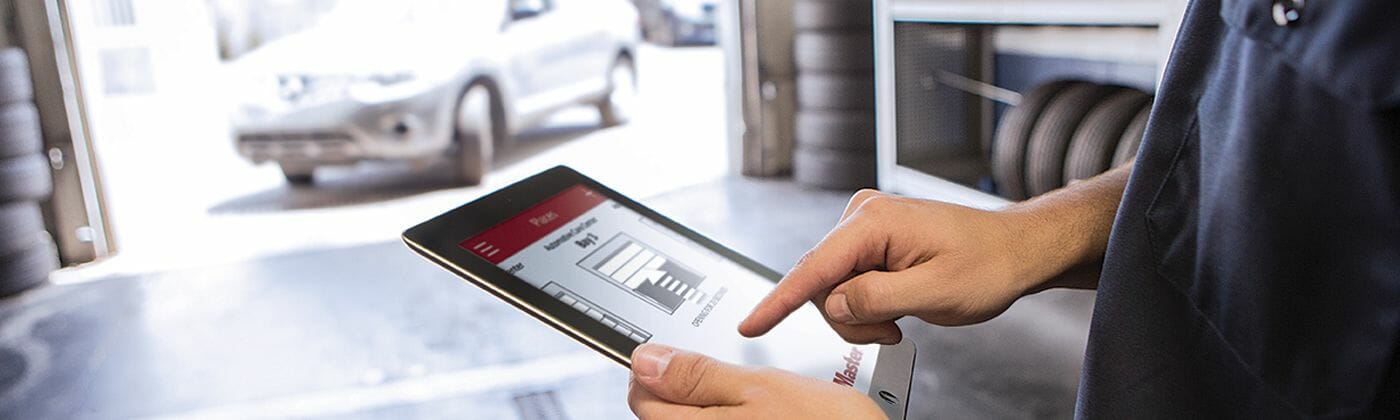
myQ is not just a smart garage app for homes. LiftMaster also has myQ Facility for commercial sites that need better visibility and control across compatible doors, gates, dock areas, and access points.
The practical value is simple: instead of guessing whether a door was left open, calling someone on site, or sharing the same keypad code too widely, managers can see more of the system from one place and set up clearer access rules.
Where myQ Facility Helps
- Remote visibility. Check compatible doors, gates, and access points without sending someone across the building or yard.
- Alerts and schedules. Get notified when something stays open longer than it should or when a site needs attention.
- User access control. Give managers, supervisors, vendors, or guards the access they need without handing out shared remotes or permanent codes.
- Activity history. Review who used a device and when, which can help with security questions, shift handoffs, and incident review.
- Multi-site organization. Group devices by building, yard, dock area, or location so the system is easier to manage over time.
Good Fits for Commercial Sites
- Warehouses and logistics yards. Open or close overhead doors remotely, set timer-to-close rules, and keep loading bays sealed after trucks depart.
- Cold storage and food facilities. Use alerts to catch doors that are open too long and reduce unnecessary energy loss.
- Fleet depots and gated lots. Replace broad keypad-code sharing with more controlled access and better activity records.
- Property management. Give contractors or delivery partners access for the right window of time, then remove it when the work is done.
What We Would Confirm Before Setup
- Hardware compatibility. Some commercial operators, gate controllers, and access devices may need a gateway, accessory, or upgrade path before they can be managed through myQ Facility.
- Network requirements. The system still needs dependable connectivity, so we would confirm signal, network access, and where equipment will be mounted.
- Account and software details. LiftMaster’s software options can change, so we would confirm the current account, plan, and feature requirements before quoting it as part of a project.
- Device naming and permissions. Names like “Dock 3 East” or “Fleet Gate” make the system easier to use, especially when more than one person manages access.
- Testing and documentation. Commands, alerts, roles, and escalation steps should be tested before the site depends on them.
How Barton Can Help
Barton can help look at the doors, gates, operators, and access points you already have, then flag what is compatible and what would need to change. From there we can help with hardware selection, installation, setup coordination, alert planning, and user training.
If you have a commercial site where “is that door open?” turns into a phone call, myQ Facility may be worth looking at. We can help put together a practical plan and confirm the current LiftMaster requirements before you commit to the setup.